


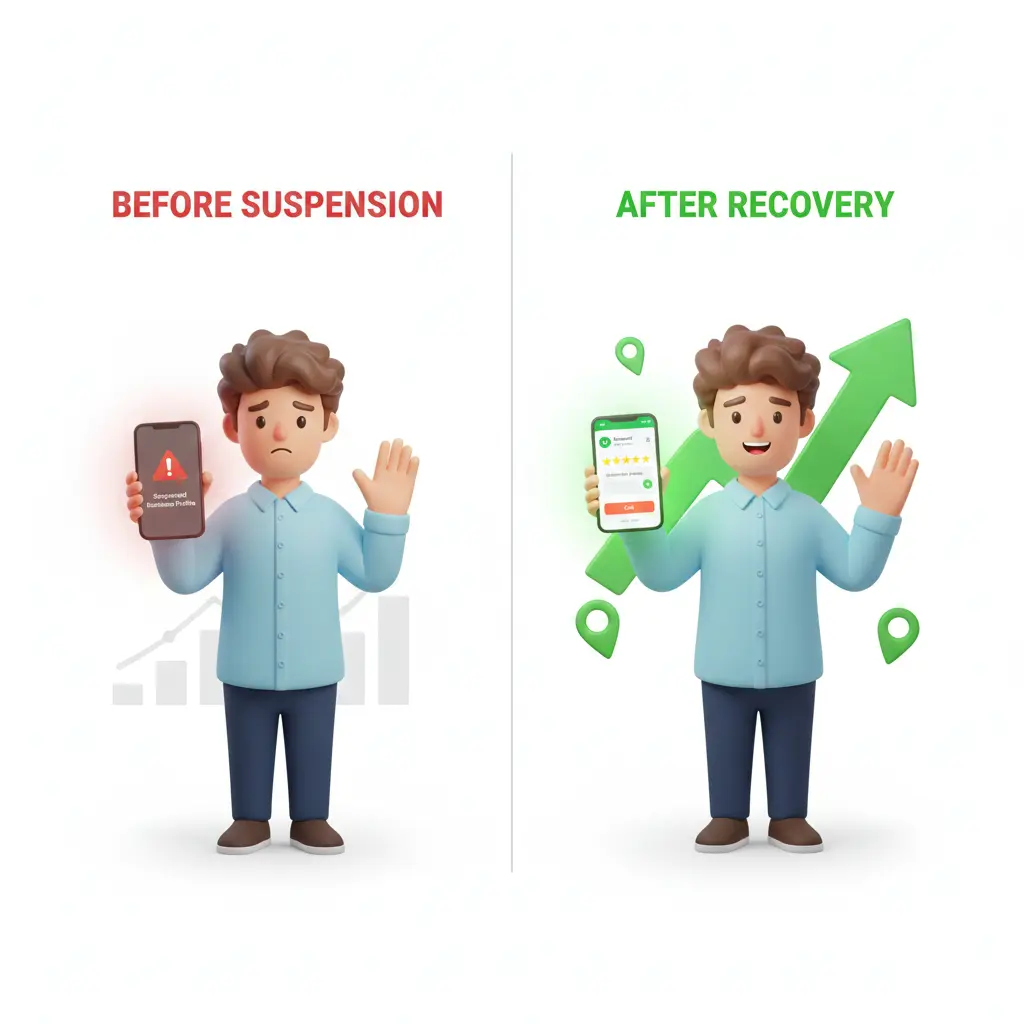
Losing access to your Google Business Profile can feel like your business has suddenly disappeared from the internet. One day you’re getting calls and leads, and the next—nothing.
If your listing is suspended, don’t worry. This is a common issue, and with the right steps, you can reinstate your suspended profile and get back on Google Search and Maps.
In this guide by GMB SEO Wala, Delhi NCR, we’ll break everything down in a simple, practical way so you can recover your listing quickly and safely.
What Happens When Your Profile Gets Suspended?
When Google suspends your business profile, your listing becomes restricted or completely invisible to customers.
There are two types of suspensions:
Soft Suspension (Access Lost)
- Your business is still visible
- You cannot manage or edit it
Hard Suspension (Listing Removed)
- Your profile disappears from Google
- No visibility on Maps or Search
Hard suspensions are more serious and require immediate action.
Top Reasons Why Google Suspends Profiles
Most suspensions happen due to guideline violations—even small ones.
1. Business Name Manipulation
Adding keywords like “Best Plumber Delhi Cheap Service” instead of your real name.
2. Incorrect Address
Using a fake location, virtual office, or address where your business doesn’t actually operate.
3. Duplicate Listings
Creating multiple profiles for the same business.
4. Frequent Edits
Too many changes in a short time can trigger Google’s system.
5. Service Area Setup Mistakes
Showing an address when you should be using a service-area setup.
6. Policy Violations
Breaking Google Business Profile guidelines knowingly or unknowingly.
Step-by-Step Process to Reinstate Suspended Profile
Here’s a simplified and effective method used by professionals:
Step 1: Understand the Issue
Check recent changes you made to your profile. Even a small edit can cause suspension.
Step 2: Fix All Errors
- Use your real business name
- Correct address and category
- Remove extra keywords
- Match details with your website
Step 3: Prepare Supporting Documents
You may need:
- GST certificate
- Business registration
- Utility bill
- Rent agreement
Step 4: Submit Reinstatement Form
Provide accurate details and upload documents clearly.
Step 5: Wait for Google Review
Usually takes 3–10 days, but complex cases may take longer.
Pro Tips to Speed Up Reinstatement
Keep Everything Consistent
Your business details must match across:
- Website
- Google profile
- Social media
Avoid Over-Optimization
Don’t try to “game” the system with keywords.
Use a Real Location
Make sure customers can physically reach your business if listed.
Submit Clean Documentation
Blurry or mismatched documents can delay approval.
How Long Does It Take to Reinstate a Suspended Profile?
The time depends on the severity of the issue:
- Simple fixes: 3–5 days
- Medium issues: 7–14 days
- Complex cases: up to 4 weeks
With expert help, the process is often much faster and smoother.
How to Avoid Suspension in the Future
Follow Google Guidelines Strictly
Always stay updated with policy changes.
Don’t Change Details Frequently
Limit unnecessary edits.
Maintain NAP Consistency
Name, address, and phone number must be the same everywhere.
Monitor Your Listing Regularly
Keep an eye on updates, reviews, and edits.
Why Businesses in Delhi NCR Choose GMB SEO Wala
If your business depends on local leads, you can’t afford long downtime.
GMB SEO Wala, Delhi NCR helps businesses:
- Reinstate suspended profiles quickly
- Fix guideline violations
- Improve Google Maps rankings
- Optimize profiles for more leads
- Provide long-term local SEO growth
We understand how Google works—and how to get your listing back online without risk.
High-Volume SEO Keywords Included
- Reinstate Suspended Profile
- Google Business Profile Suspended
- Fix Suspended GMB Listing
- Google My Business Reinstatement
- Local SEO Delhi NCR
- Google Maps Ranking
- GMB Recovery Service
- Business Listing Suspension Fix
- GMB SEO Expert Delhi
- Restore Google Listing
FAQs – Reinstate Suspended Profile
Q1. Can I recover my suspended Google profile?
Yes, most suspended profiles can be reinstated if you fix the issues and submit proper documents.
Q2. What is the fastest way to reinstate a profile?
Correct all errors, provide valid proof, and avoid repeated submissions.
Q3. Can I create a new profile instead of fixing the old one?
No, this can lead to permanent suspension of both profiles.
Q4. Do I need documents for reinstatement?
Yes, documents like GST, business licenses, or utility bills are often required.
Q5. Why does Google suspend profiles without warning?
Google uses automated systems that flag suspicious or non-compliant activity.
Q6. Should I hire an expert?
If you want faster and safer recovery, working with professionals is a smart choice.
Final Thoughts
A suspended listing can slow down your business—but it’s completely fixable.
If you follow the right process, stay compliant, and submit accurate information, you can successfully reinstate your suspended profile and regain your local visibility.
For businesses in Delhi NCR, getting expert help from GMB SEO Wala ensures faster recovery, better rankings, and long-term growth.